Capture it
Photograph a slide, whiteboard or document. Each shot lands in the next slide frame automatically — or import photos straight from your library.
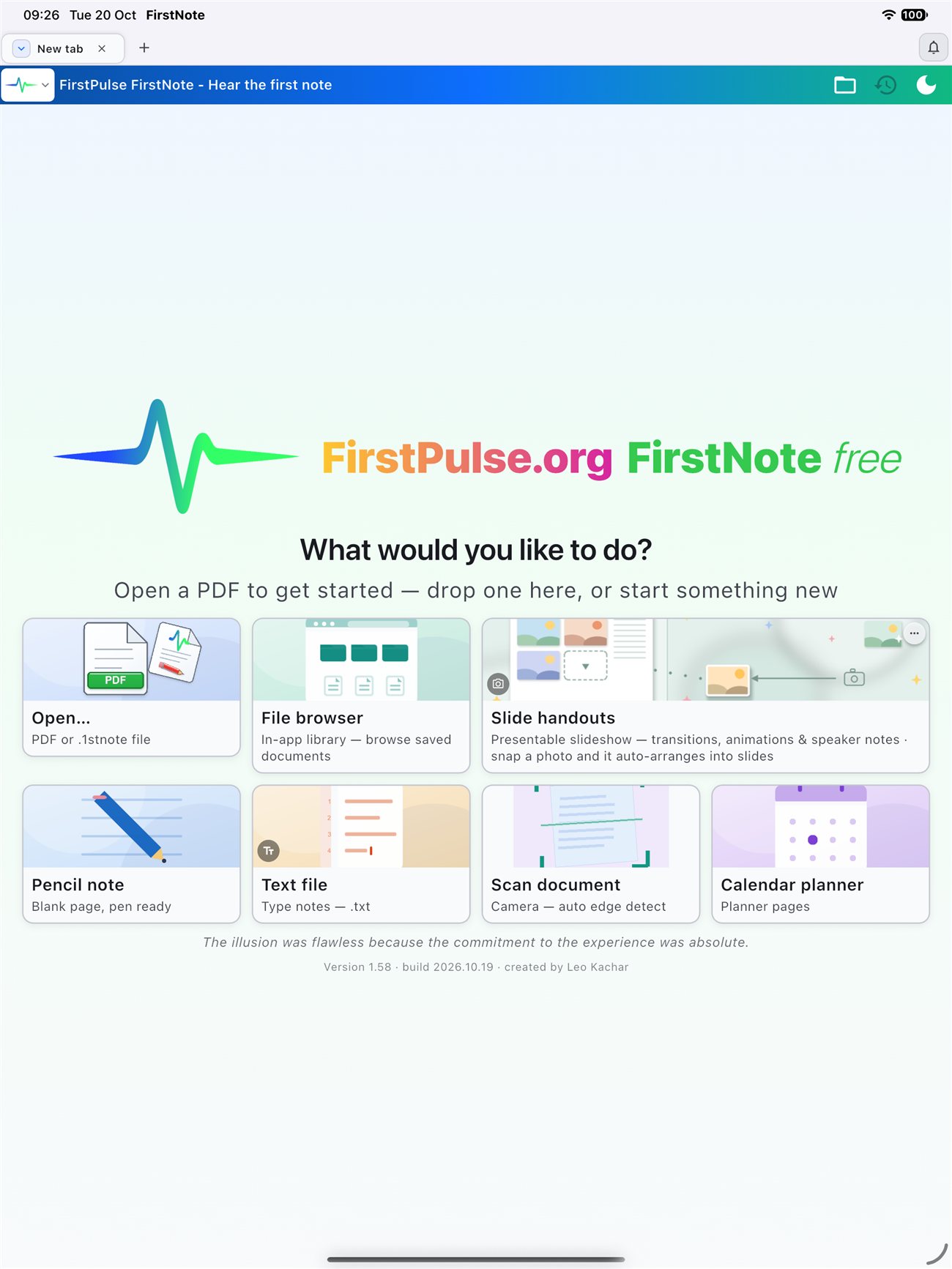
FirstPulse FirstNote is a focused note app for iPhone and iPad. Write and annotate PDFs with natural pen tools, edit slide layouts directly in the handout view, drop photos into structured frames and present full-screen — without ever leaving the note.
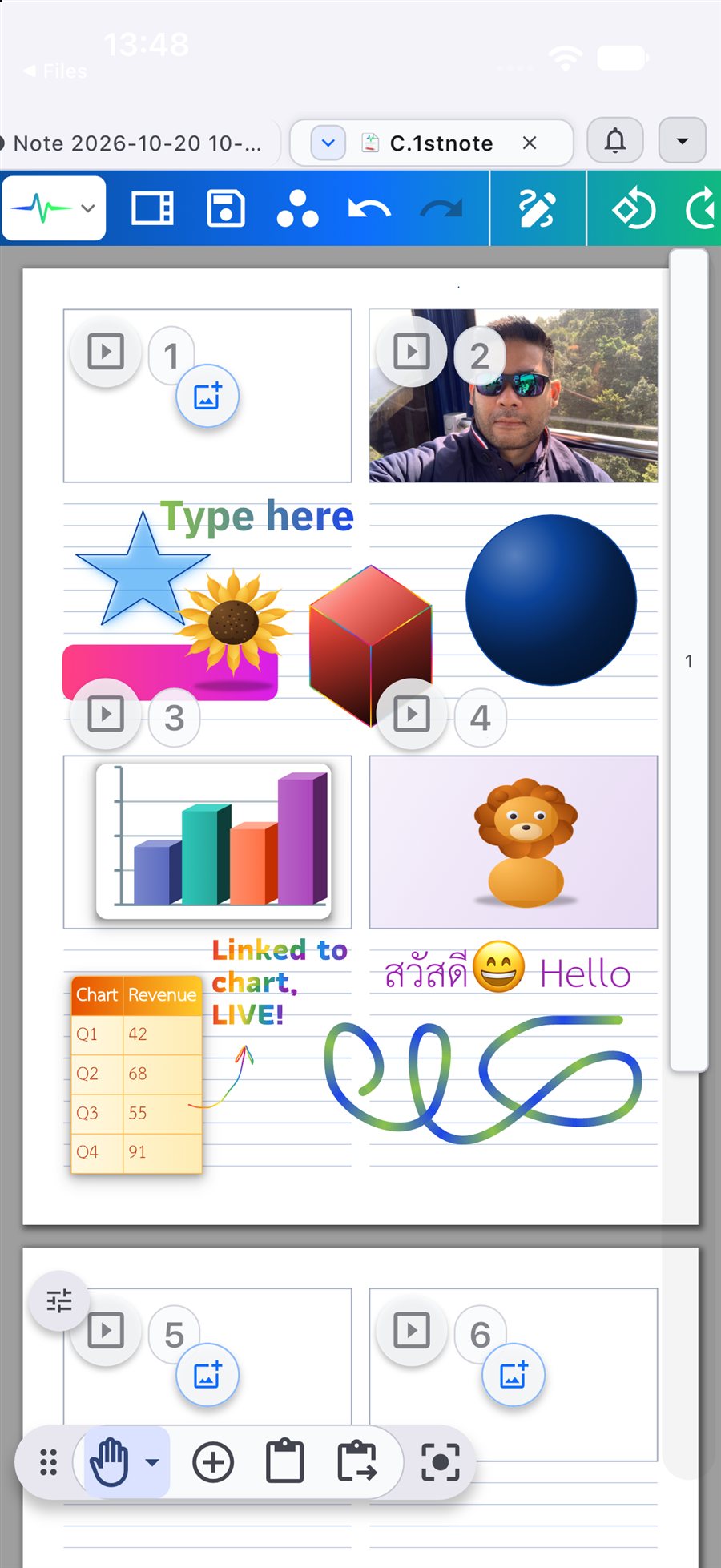
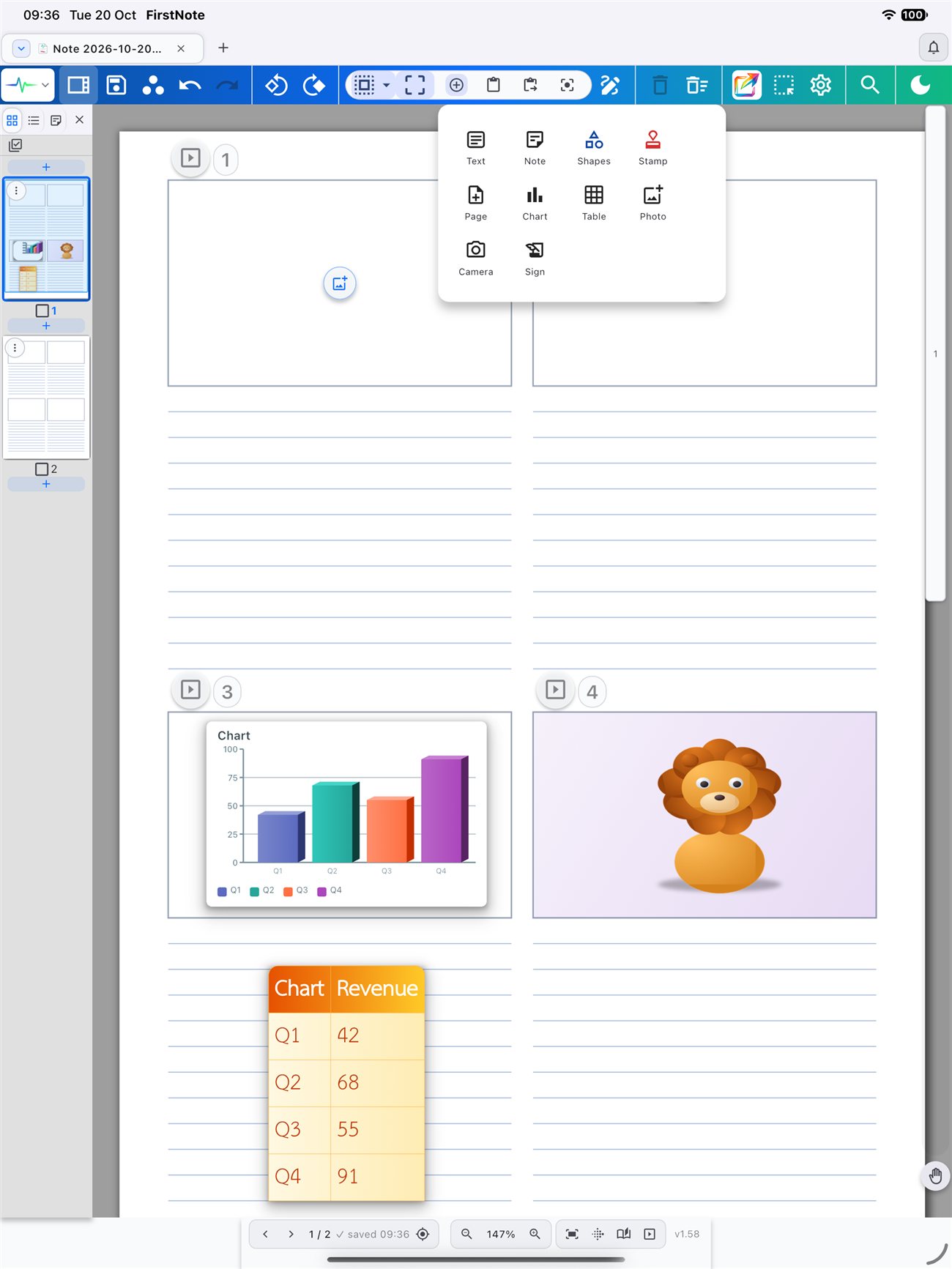
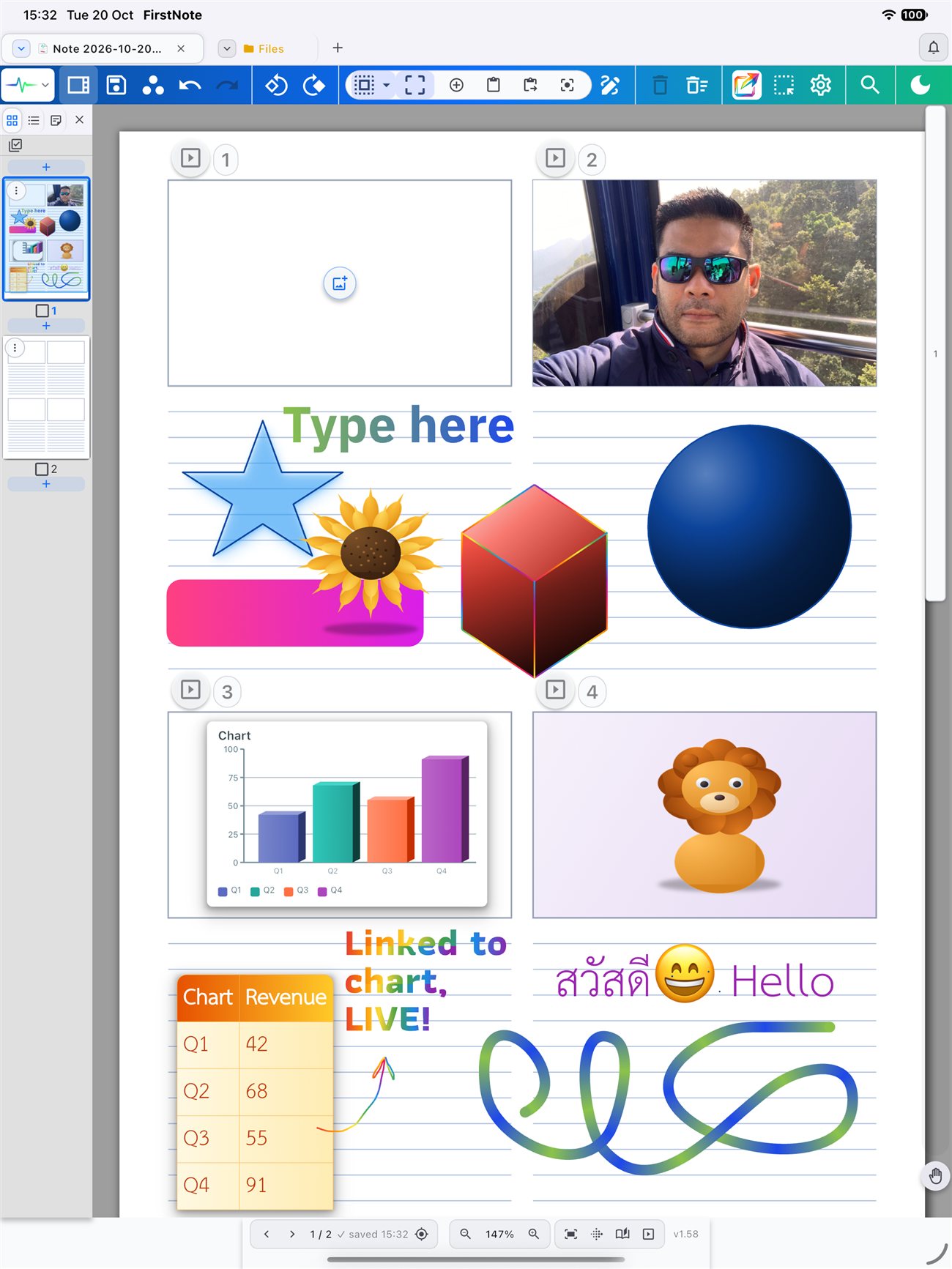
Slides, handwriting, typed text, photos, charts and tables share a single page. Add whatever you need from the insert menu — then keep editing it all as one document, right up to the moment you press play.
Capture, write, arrange and present — without switching apps. Built for students, educators and presenters.
Photograph a slide, whiteboard or document. Each shot lands in the next slide frame automatically — or import photos straight from your library.
Fluid pen and curve tools write naturally on the glass. Select any object to move, resize or restyle it — precision editing on the same page.
Edit slide layouts directly in the handout — slides, handwritten notes and text side by side, with speaker notes attached to each frame.
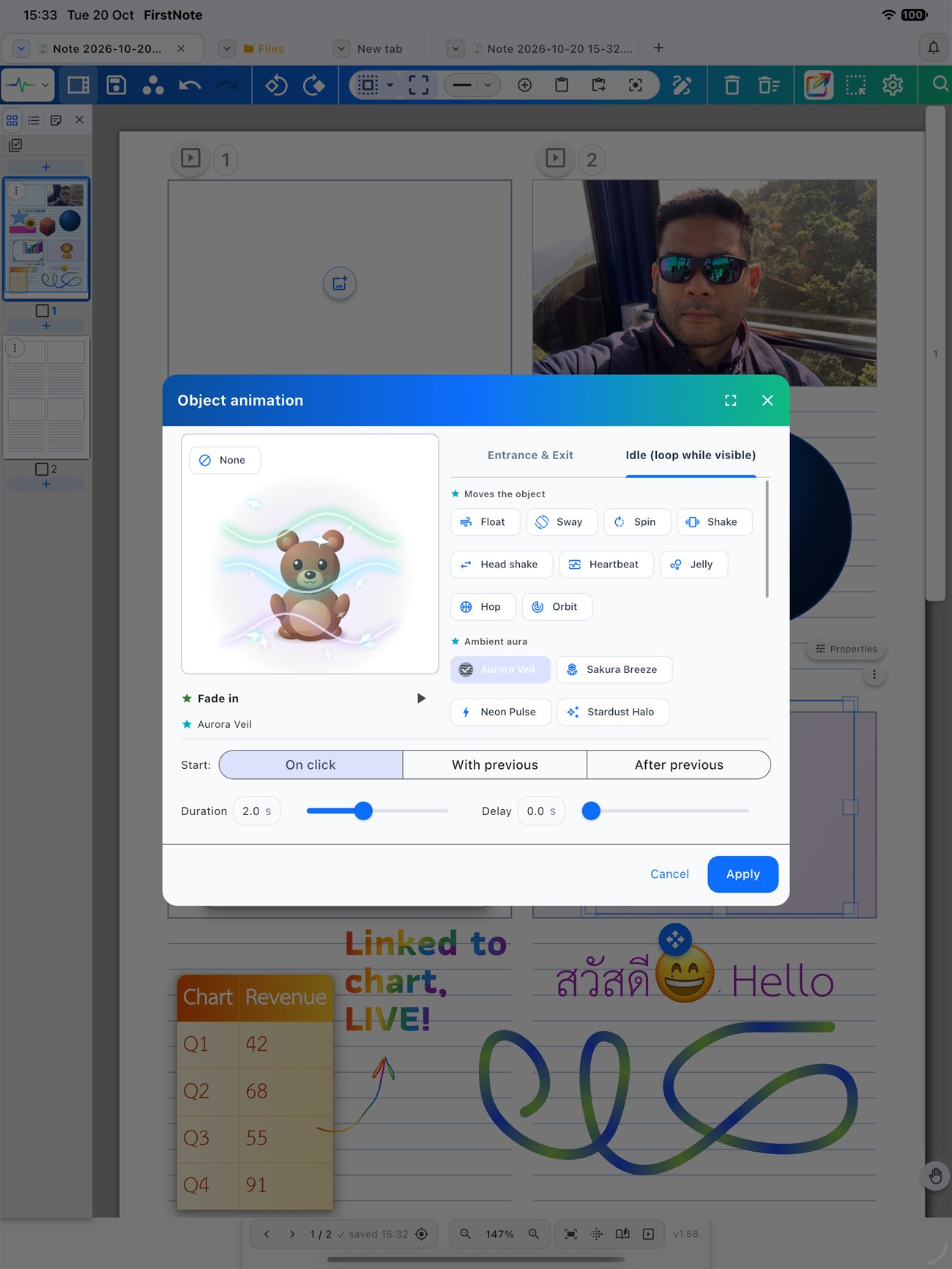
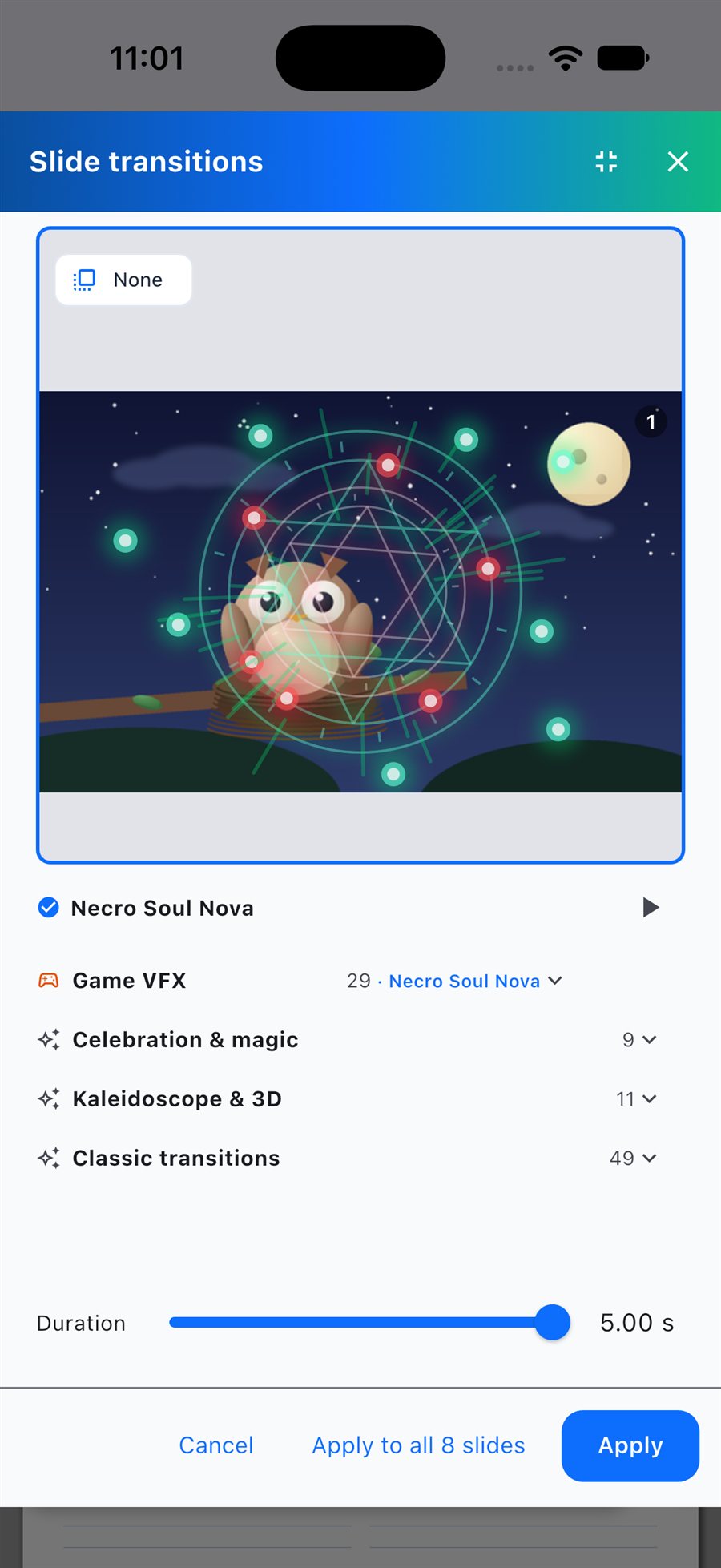
Press play and the handout becomes a full-screen slideshow — transitions, object animations and speaker notes included.
Captured from the shipping App Store build — nothing staged.
An all-in-one app to read, mark up, organize and present.
Write, highlight and draw naturally on PDFs and documents with fluid pen and curve tools — rainbow and gradient ink included — plus object selection and precision editing.
Edit slide layouts directly inside the handout view, combining slides, handwritten notes and text on a unified canvas.
Capture images or import photos from your library — each one snaps into the next structured slide frame within the handout.
Launch a full-screen presentation straight from the handout view — no exporting, reformatting or mode-switching required.
Entrance and exit effects, ambient auras like Aurora Veil and Stardust Halo, and idle loops such as Float, Sway, Spin and Orbit — each with its own trigger, duration and delay.
Game VFX, Celebration & Magic, Kaleidoscope & 3D and Classic collections — preview each one, tune the duration and apply to every slide at once.
Insert charts with live-linked data tables, shapes, stamps and signatures next to your handwriting — everything stays editable.
Ruled, grid, Cornell, meeting notes, to-do lists, calendar planners and slide-handout layouts — start from a template or a blank page.
Type and reflow Thai and English with correct word breaking — no floating vowels or misplaced tone marks, on typed text and annotations alike.
Notes are read and saved on your own device. No account required, nothing uploaded — your files stay yours.
If you need more than a basic PDF reader — one app to read, mark up, organize and present — FirstNote is it. Free on the App Store.
Download on the App Store